BioInteractive
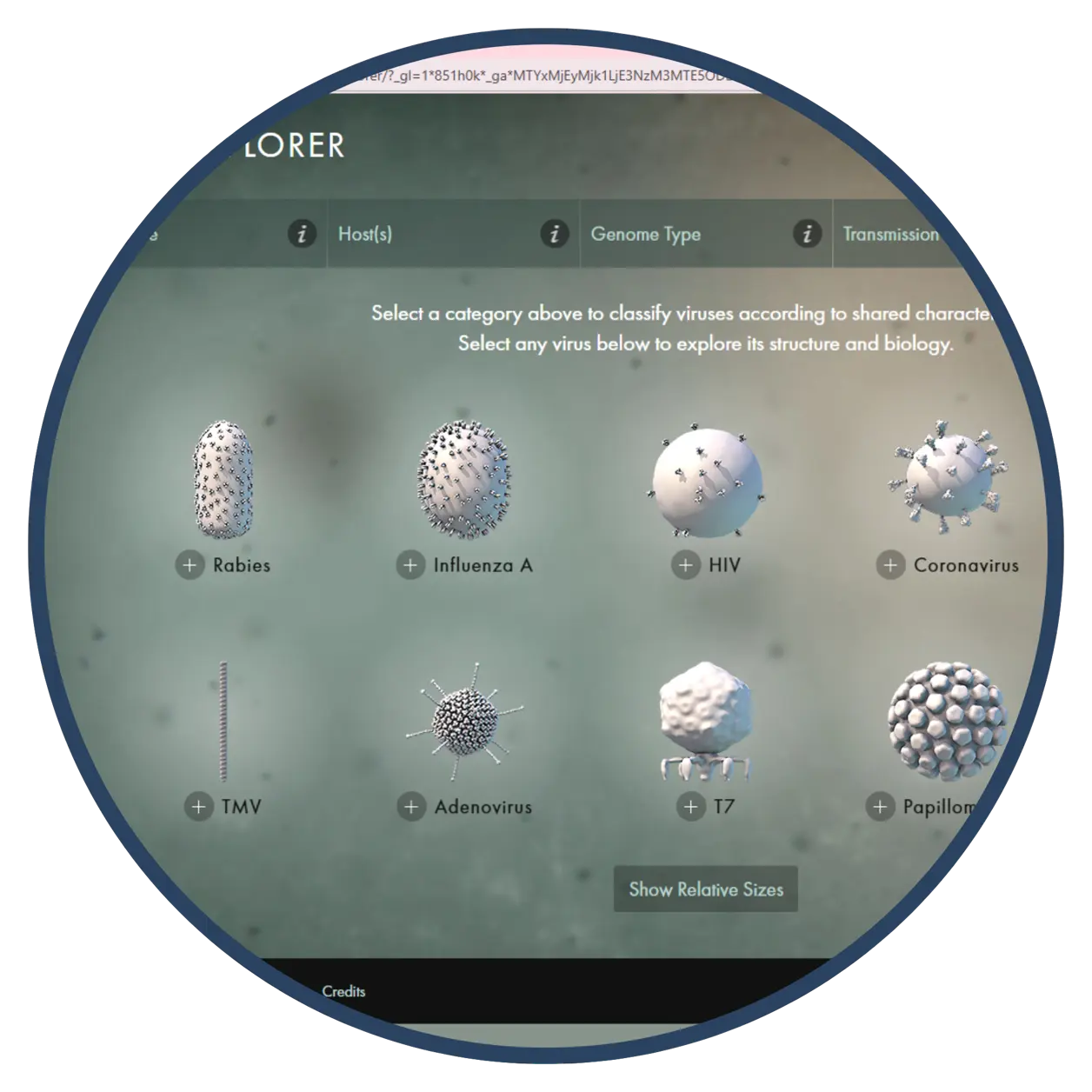
BioInteractive, created by the Howard Hughes Medical Institute (HHMI), provides free, high‑quality science education resources including videos, interactive animations, virtual labs, data‑driven activities, and full lessons. These materials support deep engagement with authentic scientific phenomena and help students develop skills in data analysis, argumentation, and scientific modeling. Teachers use BioInteractive resources to anchor instruction in real‑world biological examples and evidence‑based practices.
Tech Level

Intermediate
Grade Bands
6-12
Explore the Tool
- Go to https://www.biointeractive.org/
- Explore Resource Types (videos, activities, virtual labs, animations, data explorations).
- Create a free account to save resources and build playlists.
- Select materials aligned to your standards or phenomena.
- Phenomena-Based Resources: Real scientific stories and authentic research data.
- Virtual Labs & Simulations: Including DNA sequencing, ecology, immunology, and genetics.
- Scientist‑Led Videos: Short films featuring current research and diverse scientists.
AVID Strategy Connections
📝 Writing
- Claim‑Evidence‑Reasoning (CER) Responses: Students write scientific explanations using data from BioInteractive activities.
- Science Notebooks: Learners document processes, predictions, and reflections while working through virtual labs.
💡 Inquiry
- Data Analysis Tasks: Students explore real research datasets and make interpretations.
- Phenomenon-Driven Questions: Videos and animations prompt students to ask “How?” and “Why?” before learning the underlying concepts.
💬 Collaboration
- Group Lab Discussions: Students work together to analyze findings from virtual labs or case studies.
- Jigsaw Learning: Each group explores different BioInteractive clips or datasets and teaches others.
📚 Organization
- Concept Mapping: Students build maps that explain systems such as the immune response or mechanisms of evolution.
- Step-by-Step Lab Planning: Virtual labs help students organize procedures and variables.
📖 Reading
- Interactive Readings: Many activities include short scientific texts paired with visuals to support comprehension.
- Annotation Tasks: Students annotate diagrams or film transcripts to identify key concepts.
Accessibility Spotlight
BioInteractive supports inclusive science instruction by offering multimedia resources—videos, animations, interactives, and leveled activities—that provide multiple entry points for diverse learners. Visual explanations, scientist narration, real data, and scaffolded worksheets help multilingual learners and students who need conceptual clarity or modeling. Many virtual labs include built‑in guidance, reducing cognitive load and supporting learners with varying levels of background knowledge. These multimodal features ensure that all students can meaningfully engage with rigorous, phenomenon‑based biology content.

