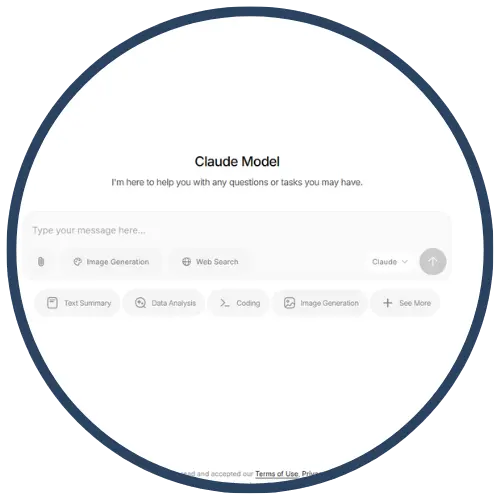
Claude
Claude, created by Anthropic, is an AI‑powered assistant designed to support safe, transparent, and high‑quality text generation. Educators use Claude to draft lessons, differentiate materials, provide feedback models, and support inquiry through explanations and examples. Claude for Education emphasizes responsible AI use, privacy protections, and tools that help teachers streamline planning and personalize learning.
Tech Level

Intermediate
Grade Bands
6–12
Explore the Tool
Getting Started
Visit https://claude.ai/login and create a free educator account.
Explore the Claude for Education materials to review privacy and responsible-use guidelines.
Begin prompting Claude using clear tasks (e.g., summarize, explain, generate examples, revise).
Key Classroom Features
Differentiation Tools: Claude rewrites text for different reading levels or provides structured scaffolds.
Lesson & Resource Generation: Quickly create quizzes, exemplars, writing frames, and discussion prompts.
Feedback Modeling: Claude can generate sample peer feedback or revision suggestions for practice.
AVID Strategy Connections
✏️ Writing
Mentor Texts: Claude generates sample paragraphs for analyzing organization, tone, or structure.
Revision Support: Students compare AI-generated revisions with their drafts to improve clarity.
💡 Inquiry
Question Generation: Students use Claude to build higher‑order questions for Socratic seminars or labs.
Concept Breakdown: Claude explains complex topics through step-by-step scaffolds.
💬 Collaboration
Group Planning: Teams use Claude to outline roles, brainstorm ideas, or structure projects.
Discussion Prep: Claude can model discussion stems to strengthen academic conversations.
🗂️ Organization
Task Breakdown: Claude divides large assignments into smaller, manageable steps.
Study Guides: Students request outlines, comparison charts, or summaries of key ideas.
📖 Reading
Text Simplification: Claude rewrites dense texts at an accessible level.
Vocabulary Support: Students request definitions, examples, or context clues.
Accessibility Spotlight
Claude increases accessibility by offering multiple ways for students to understand and produce content. It can simplify text, generate sentence frames, provide translations, and explain concepts using visuals or analogies—all of which are helpful for multilingual learners, emerging readers, and students needing processing support. Claude’s ability to break down tasks and provide scaffolded explanations helps ensure that all learners can meaningfully engage with rigorous coursework.

