Kahoot!
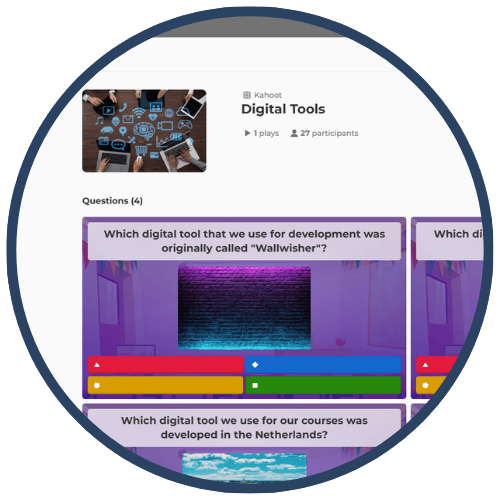
Kahoot! is a game‑based learning and assessment platform that allows teachers to create quizzes, polls, puzzles, and interactive discussions. Students join live games using a code and respond in real time, making Kahoot! ideal for warm‑ups, checks for understanding, exit tickets, and review sessions. Teachers can choose from millions of premade public Kahoots or create custom assessments. The platform provides instant data and reports to track progress, identify misconceptions, and encourage healthy competition.
Tech Level

Easy
Grade Bands
K–12
Explore the Tool
Getting Started
Go to https://kahoot.com/ and create a free account.
Search for premade “Kahoots” or create a new quiz using the drag‑and‑drop builder.
Launch your Kahoot and share the game PIN with students.
View instant data, download reports, or assign Kahoots as self‑paced challenges.
Key Classroom Features
Public Library: Access millions of ready-made quizzes by keyword.
Live & Asynchronous Modes: Play in real time or assign challenges as homework.
Reports & Data: Automatically generates insights on accuracy, misconceptions, and participation.
Team Mode & Ghost Mode: Encourage collaboration or replay games for mastery.
Teacher Management Tools: Nickname moderation, screen freeze, student tracking, and shareable URLs.
AVID Strategy Connections
✏️ Writing
Written Justification Prompts: After each Kahoot, students write an explanation for why specific answers were correct or incorrect.
Reflection Journals: Students summarize patterns in their Kahoot! performance to set learning goals.
💡 Inquiry
Prediction Questions: Students predict answer trends before seeing class results to spark reasoning.
Data Inquiry: Analyze Kahoot! reports to identify misconceptions and generate questions for deeper study.
💬 Collaboration
Team Kahoot Mode: Encourages communication, collective reasoning, and consensus building.
Peer Discussion: Review difficult items in pairs or groups and discuss strategies for them.
🗂️ Organization
Goal-Tracking: Students use Kahoot! reports to track progress toward mastery.
Structured Review: Teachers organize Kahoot! concepts into categories to guide test preparation.
📖 Reading
Close Reading of Questions: Students analyze wording, vocabulary, and distractors to strengthen comprehension.
Vocabulary Practice: Teachers include images, synonyms, and context clues to support word learning.
Accessibility Spotlight
Kahoot! supports inclusive learning through visual cues, image-based questions, adjustable timing, read‑aloud tools, and replay options like Ghost Mode that encourage mastery. Real-time feedback helps multilingual learners and students with processing needs, while team play and structured routines support engagement and comprehension. Teachers can freeze screens to moderate nicknames and maintain a safe, supportive environment.

