Adobe Express
Adobe Express is a free, education‑focused creative tool that allows students and teachers to design graphics, photos, presentations, webpages, and videos quickly and intuitively. It provides K–12–aligned templates, classroom‑safe assets, and collaborative features that support creative learning across subjects.
Tech Level

Beginner to Intermediate
Grade Bands
PreK-12
Explore the Tool
- Go to Adobe Express for Education and sign in with a school‑provided account.
- Access the newly redesigned Educator Home featuring fast navigation and clean layout.
- Choose a template or start a new graphic, video, or webpage project.
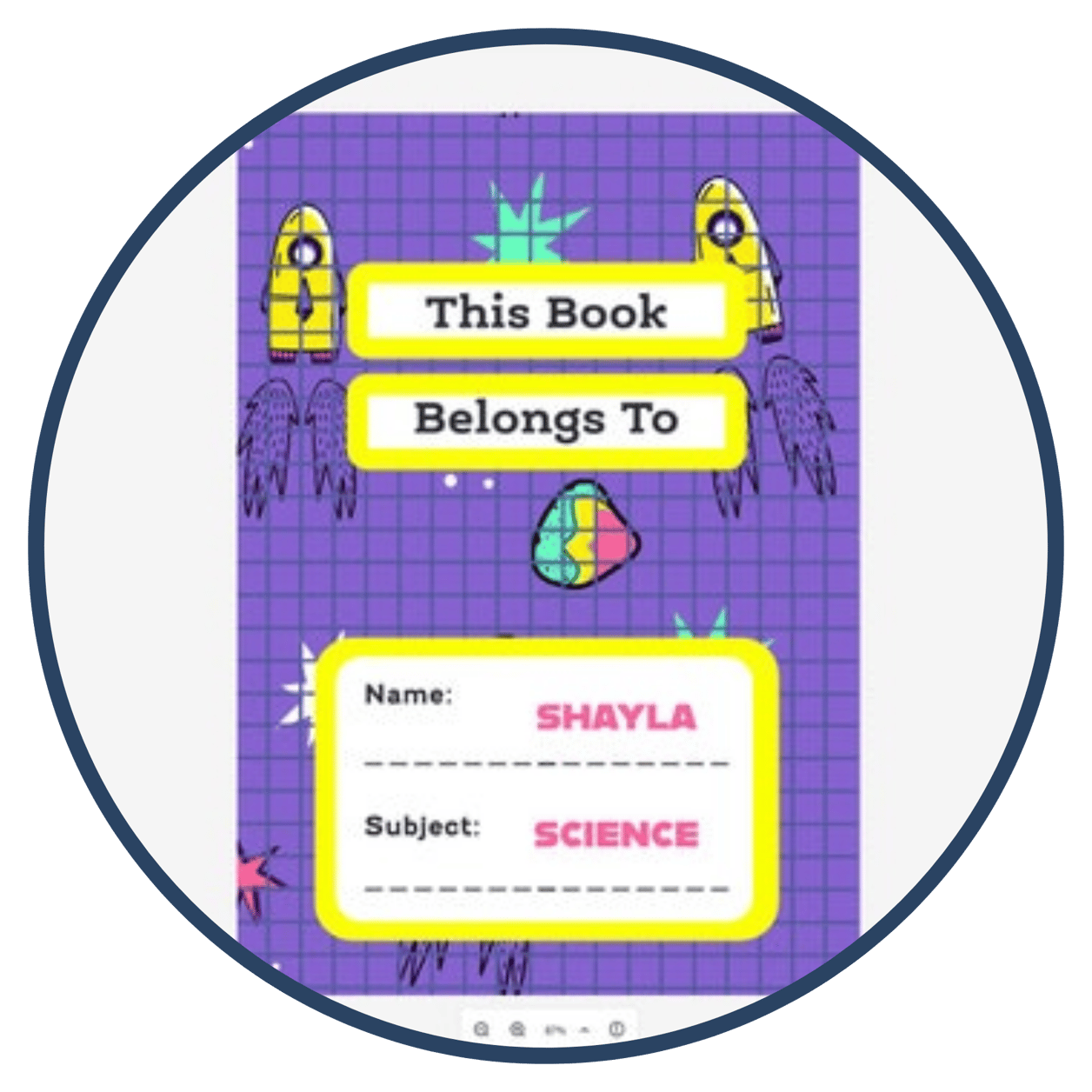
Curriculum‑aligned templates for lessons, graphic organizers, exit tickets, posters, and more.
Safe, student‑friendly creative assets, including licensed Adobe Stock images and safe image/video search.
Collaboration and communication tools that help students create visuals, videos, and web pages to demonstrate learning.
AVID Strategy Connections
📝 Writing
- Digital one‑pagers, visual essays, and reflective journals created as graphics or web pages.
💡 Inquiry
- Students generate questions and produce explainer videos or annotated graphics showing conceptual understanding.
💬 Collaboration
- Group-designed posters, co‑authored web pages, or shared media projects that build academic collaboration.
📚 Organization
- Timelines, process posters, and structured templates help students organize ideas visually.
📖 Reading
- Students create visual summaries, character posters, or digital annotations to demonstrate comprehension.
Accessibility Spotlight
Adobe Express supports inclusive teaching by offering safe, moderated creative assets that ensure all students can participate confidently, along with AI‑powered assistance that helps learners who may need support with writing, layout, or design. Its wide range of structured templates reduces cognitive load and provides built‑in scaffolds, enabling diverse learners to begin creating quickly and successfully. These accessibility‑focused features work together to help educators design learning experiences that are rigorous, supportive, and inclusive for every student.