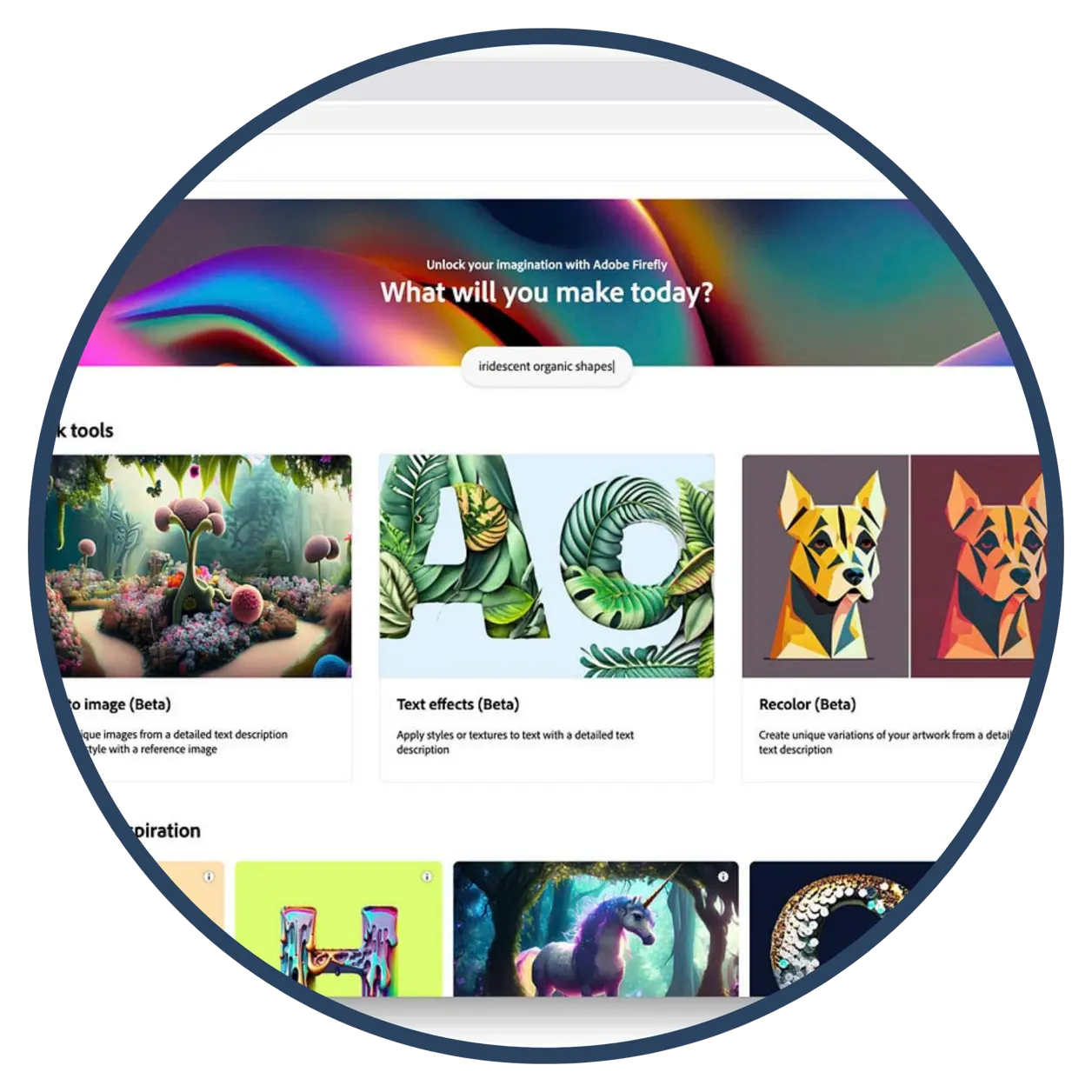
Adobe Firefly
Adobe Firefly is Adobe’s suite of generative AI tools designed to help educators and students create unique images, text effects, templates, and visual assets through safe, school‑appropriate AI models. Firefly is integrated directly into Adobe Express and is available by default to all K–12 educators and students, enabling classrooms to explore responsible AI‑powered creativity while meeting district safety and compliance requirements. This tool supports student creativity, visual communication, and design thinking by transforming written prompts into custom visuals that can be used across all content areas.
Tech Level

Beginner to Intermediate
Grade Bands
3-12
Explore the Tool
Log in to your school Adobe account and open Adobe Express.
- Firefly-powered features (e.g., Text-to-Image, Generative Fill, Text Effects) will appear in the creation menu.
- Type a descriptive prompt and refine the output using style, lighting, and composition options.
Text-to-Image Generation – Turn student descriptions into custom visuals to support writing, science modeling, historical interpretation, and more.
Generative AI built for K–12 – Firefly’s models are safe-by-design for schools and automatically include guardrails for students.
Seamless Firefly access through Adobe Express – Students can incorporate AI‑generated images directly into posters, webpages, videos, or presentations.
AVID Strategy Connections
📝 Writing
- Descriptive Quickwrites: Generate short descriptive prompts to improve clarity and detail before using Firefly.
- One‑Pager Creation: Combine concise written explanations with Firefly visuals to summarize understanding.
💬 Collaboration
- Group Brainstorm Wall: Collect and refine prompt ideas collaboratively to compare image outcomes.
- Peer Review Exchange: Provide quick feedback on generated visuals for clarity and alignment to the task.
💡 Inquiry
- Question Board: Pose open-ended questions and visualize answers using Firefly-generated images.
- Prompt Investigation: Test how small wording changes affect AI outputs to explore cause-and-effect.
📚 Organization
- Visual Graphic Organizer: Insert Firefly images into sequence, compare‑contrast, or cause‑effect charts.
- Learning Log: Track prompt trials, revisions, and insights in a structured log.
📖 Reading
- Vocabulary Visualization: Create images that represent key academic terms to reinforce understanding.
- Anticipation Images: Generate visuals predicting themes or concepts to activate prior knowledge before reading.
Accessibility Spotlight
Adobe Firefly supports diverse learners by turning text prompts into visuals that make abstract concepts more concrete and accessible. Its prompt‑based creation removes barriers for learners who struggle with traditional drawing or design, enabling multimodal expression. Integration with Adobe Express provides structured layouts that reduce cognitive load and help all learners create polished, meaningful work.

