Animoto
Animoto is a cloud‑based video and slideshow creation tool that combines images, video clips, music, and text into polished videos with minimal editing skills required. It offers educator‑friendly templates and simple drag‑and‑drop functionality for creating presentations, reflections, promos, and multimedia storytelling.
Tech Level

Beginner to Intermediate
Grade Bands
3-12
Explore the Tool
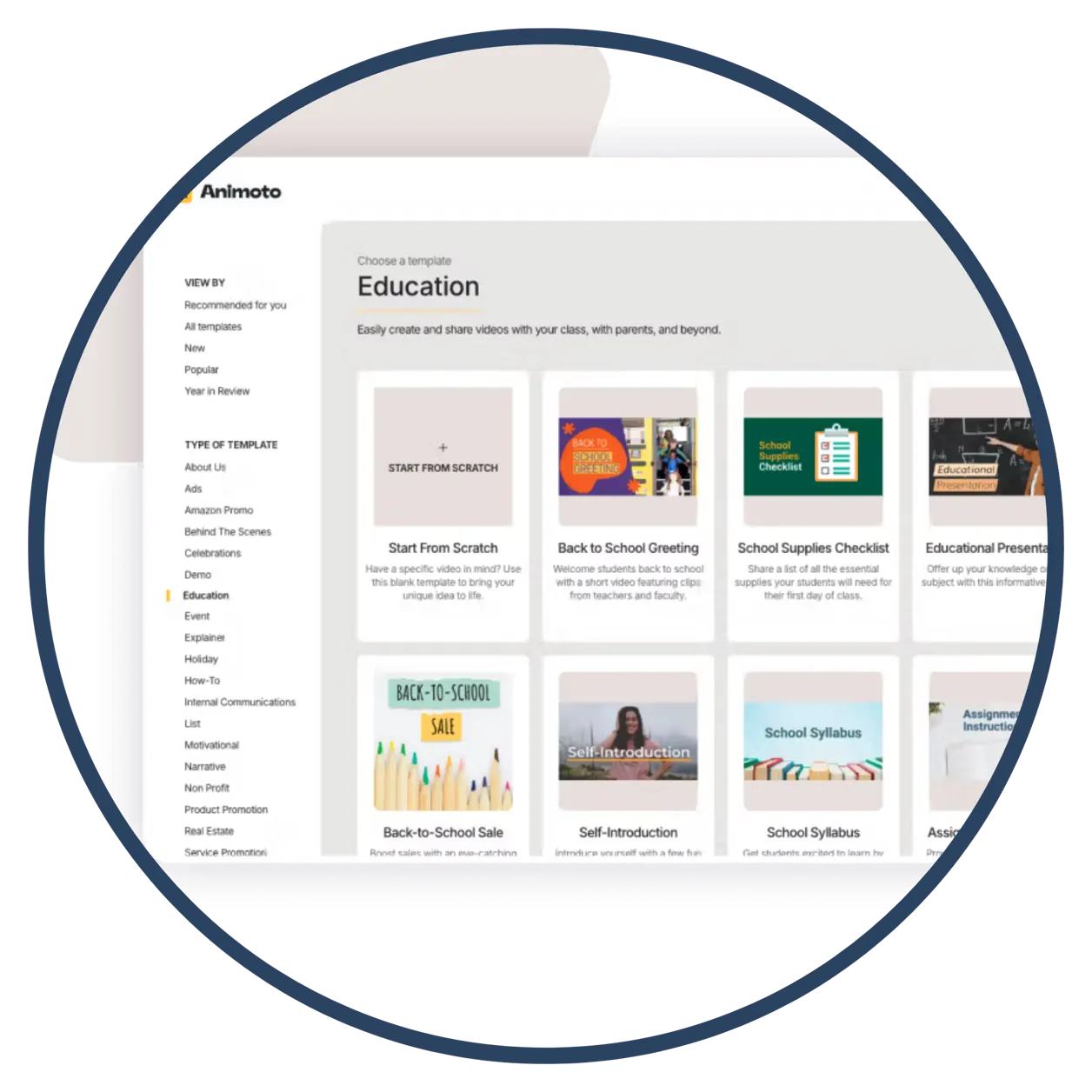
Go to animoto.com/education, create a free educator account, and choose a video template or start from scratch. Then upload images/video clips, add text, choose music, and export the finished video.
Template‑Based Creation: Wide selection of video styles for stories, announcements, or presentations.
- Multimedia Integration: Combine photos, video clips, audio, and text to create engaging visual storytelling.
- Easy Sharing: Export finished videos for presentations, class websites, or portfolios.
AVID Strategy Connections
📝 Writing
- Storyboard Planning: Draft brief scene descriptions before creating the video to organize narrative flow.
- Script Snippets: Write short captions or narration lines to enhance clarity and support key ideas.
💬 Collaboration
- Group Production Roles: Assign roles (editor, scriptwriter, media collector) to complete a shared video project.
- Peer Review Clips: Exchange draft videos for feedback on clarity, pacing, and message effectiveness.
💡 Inquiry
- Question‑Driven Videos: Build a video around a guiding question and use visuals to explore possible answers.
- Source Curation: Gather relevant images or video clips and justify choices within the final product.
📚 Organization
- Sequential Timelines: Arrange images and text in logical order to demonstrate the sequencing of processes or events.
- Topic Folders: Organize assets (photos, clips, text) before building the video to streamline production.
📖 Reading
- Concept Visualization: Convert key ideas from a reading into a short explanatory video.
- Summary Reels: Create brief recap videos that synthesize key points from a text or chapter.
Accessibility Spotlight
Animoto supports accessibility by offering structured templates that reduce cognitive load and help learners focus on content rather than design. Its multimedia format provides multiple ways to process information, supporting learners who benefit from visual or auditory reinforcement. The simple drag‑and‑drop interface also ensures easy participation for a wide range of abilities.