Classroomscreen
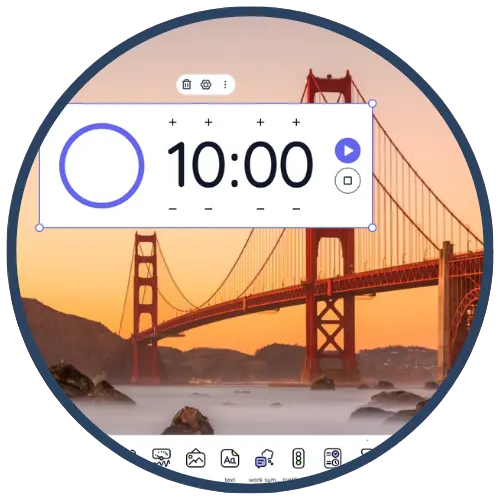
Classroomscreen is a classroom management and instructional display tool that allows teachers to project a customizable dashboard containing timers, instructions, work symbols, polls, voice levels, and other visual cues. It helps facilitate smooth transitions, clarify expectations, and create predictable routines that support learning. Teachers use it for station rotations, independent work, exit tickets, behavior reminders, and whole‑class directions.
Tech Level

Easy
Grade Bands
K-12
Explore the Tool
Getting Started
Go to https://classroomscreen.com.
Click Launch to begin using the free version—no account required.
Add widgets such as Timer, Text, Work Symbols, Voice Level, or Poll to build your screen.
Key Classroom Features
Visual Work Symbols: Quickly show “Work together,” “Ask neighbor,” or “No talking.”
Timers & Clocks: Manage transitions, station rotations, or independent work blocks.
Polls & Random Name Picker: Check understanding and select students fairly.
Noise Level Meter: Reinforces expectations for volume using your computer’s microphone.
Customizable Layouts: Save screen presets for daily routines, centers, or specific lessons.
AVID Strategy Connections
✏️ Writing
Written Directions: Display step‑by‑step tasks so students can write notes, plan steps, or follow procedures.
Quickwrites: Use the timer + text instructions for short reflective writing prompts.
💡 Inquiry
Polling for Questions: Use the poll widget to gather student questions before or after a lesson.
Inquiry Stations: Display guiding questions at each rotation using multiple text boxes.
💬 Collaboration
Work Symbols for Grouping: Signal when students should collaborate or communicate.
Task Expectations: Provide group roles and discussion norms visibly on screen.
🗂️ Organization
Checklist Widget: Students track tasks and manage workflow independently.
Timer + Schedule: Helps students self‑pace during projects or centers.
📖 Reading
Directions in Text Boxes: Provides clear, accessible instructions that students can reread.
Vocabulary Display: Post target vocabulary, sentence frames, or annotation steps.
Accessibility Spotlight
Classroomscreen supports inclusive learning by providing consistent visual cues, timers, icons, and written instructions that reduce cognitive load for multilingual learners and students with processing or attention needs. Its predictable routines and multimodal prompts help all students understand expectations, manage time, and access lesson instructions at their own pace.

