Pear Deck
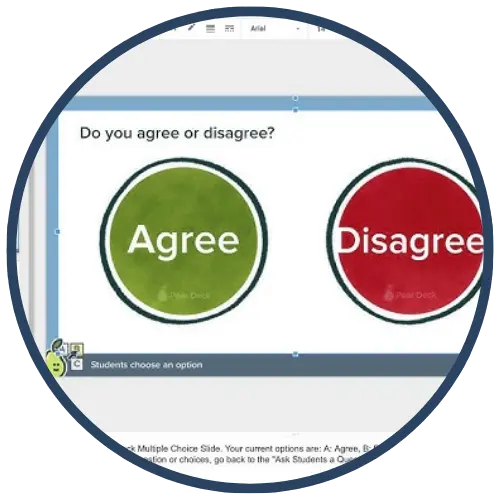
Pear Deck is an interactive presentation and formative assessment tool that integrates with Google Slides and Microsoft PowerPoint to actively engage students during instruction. Teachers add interactive question slides—such as drawing, text response, draggable, and multiple‑choice—to existing presentations, allowing students to respond in real time on their own devices. Pear Deck supports whole‑class participation, immediate feedback, and discussion‑driven instruction.
Tech Level

Intermediate
Grade Bands
K-12
Explore the Tool
Getting Started
- Install the Pear Deck add‑on for Google Slides or PowerPoint.
- Open an existing slide deck or create a new presentation.
- Insert Pear Deck interactive question slides (text, drawing, draggable, multiple choice).
- Launch the lesson and share the session link or code with students.
Key Classroom Features
- Interactive Question Types: Drawing, draggable, text response, multiple choice, and number responses.
- Teacher‑Paced Lessons: Teachers control the flow of slides during live instruction.
- Student Dashboard: View all responses in real time to guide instruction and discussion.
- Integration with Slides: Works directly within Google Slides and PowerPoint, reducing setup time.
AVID Strategy Connections
✏️ Writing
- Short Constructed Responses: Students explain reasoning, summarize ideas, or reflect using text‑response slides.
- Writing to Learn: Teachers embed quickwrites and exit reflections directly into instruction.
💡 Inquiry
- Prediction & Hypothesis Questions: Students respond to prompts before instruction to surface thinking.
- Notice & Wonder: Drawing and draggable slides allow students to explore concepts and ask questions.
💬 Collaboration
- Whole‑Class Discussion: Teachers display anonymized student responses to spark academic discourse.
- Shared Sense‑Making: Students compare multiple strategies or interpretations in real time.
🗂️ Organization
- Structured Lesson Flow: Interactive slides guide students through learning in logical sequences.
- Formative Checkpoints: Teachers pause instruction to assess understanding and adjust pacing.
📖 Reading
- Text‑Dependent Prompts: Students respond to questions tied to images, graphs, or short passages.
- Visual Reading: Drawing and draggable responses support the interpretation of visual information.
Accessibility Spotlight
Pear Deck supports inclusive learning by providing multiple ways for students to respond—typing, drawing, dragging, or selecting answers—allowing learners to demonstrate understanding in formats that match their strengths. Anonymized responses reduce performance anxiety and increase participation, especially for multilingual learners and students who are hesitant to speak aloud. Real‑time feedback enables teachers to address misconceptions immediately, ensuring equitable access to rigorous instruction.