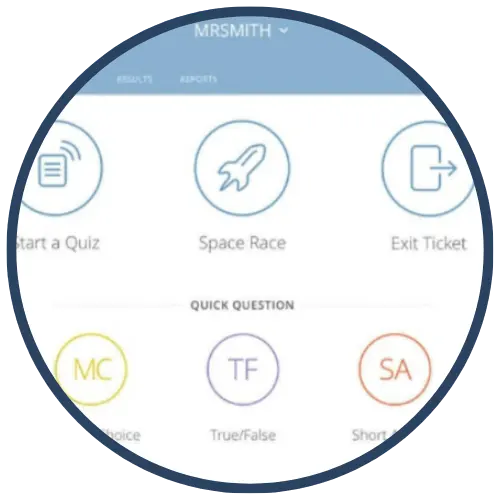
Socrative
Socrative is a web‑based student response and formative assessment tool that allows teachers to collect real‑time evidence of student understanding through quizzes, exit tickets, polls, and short‑answer questions. Students respond using any internet‑enabled device, and teachers can view results instantly or export data for later analysis. Socrative supports both teacher‑paced and student‑paced activities, making it effective for live instruction, checks for understanding, and reflection.
Tech Level

Intermediate
Grade Bands
3-12
Explore the Tool
Getting Started
- Go to https://www.socrative.com/ and create a free teacher account.
- Create a quiz or use an existing activity (multiple choice, true/false, short answer).
- Choose Teacher‑Paced (live discussion) or Student‑Paced (independent or exit ticket).
- Students join using the teacher’s room code and respond on their devices.
Key Classroom Features
- Multiple Question Types: True/false, multiple choice, graded short answer, and open response.
- Teacher‑Paced & Student‑Paced Modes: Supports live instruction or independent completion.
- Instant Data & Reports: View responses in real time or export results to spreadsheets.
- Space Race: A team‑based game mode that adds motivation and collaboration to review activities.
AVID Strategy Connections
✏️ Writing
- Short Constructed Responses: Students explain reasoning, summarize learning, or justify answers.
- Exit Ticket Writing: Teachers prompt students to reflect or synthesize at the end of a lesson.
💡 Inquiry
- Question‑Driven Checks: Teachers pose probing questions to surface misconceptions in real time.
- Prediction & Reflection: Students answer “What do you think will happen?” before instruction and revise after.
💬 Collaboration
- Discussion Launches: Teachers display anonymized student responses to spark academic conversation.
- Space Race Teams: Students collaborate and problem‑solve together during review activities.
🗂️ Organization
- Formative Checkpoints: Teachers use Socrative data to decide next instructional steps.
- Progress Monitoring: Students reflect on patterns in their responses over time.
📖 Reading
- Text‑Dependent Questions: Students respond to prompts tied to short passages, visuals, or scenarios.
- Vocabulary Checks: Quick questions reveal class‑wide understanding of key terms.
Accessibility Spotlight
Socrative supports inclusive classrooms by allowing students to respond at their own pace using familiar devices. Multiple response formats (selected response and open‑ended text) provide flexibility for learners with different strengths. Real‑time feedback helps teachers adjust instruction immediately, while anonymized response sharing reduces performance anxiety and encourages equitable participation—particularly for multilingual learners and students who may hesitate to speak aloud.